


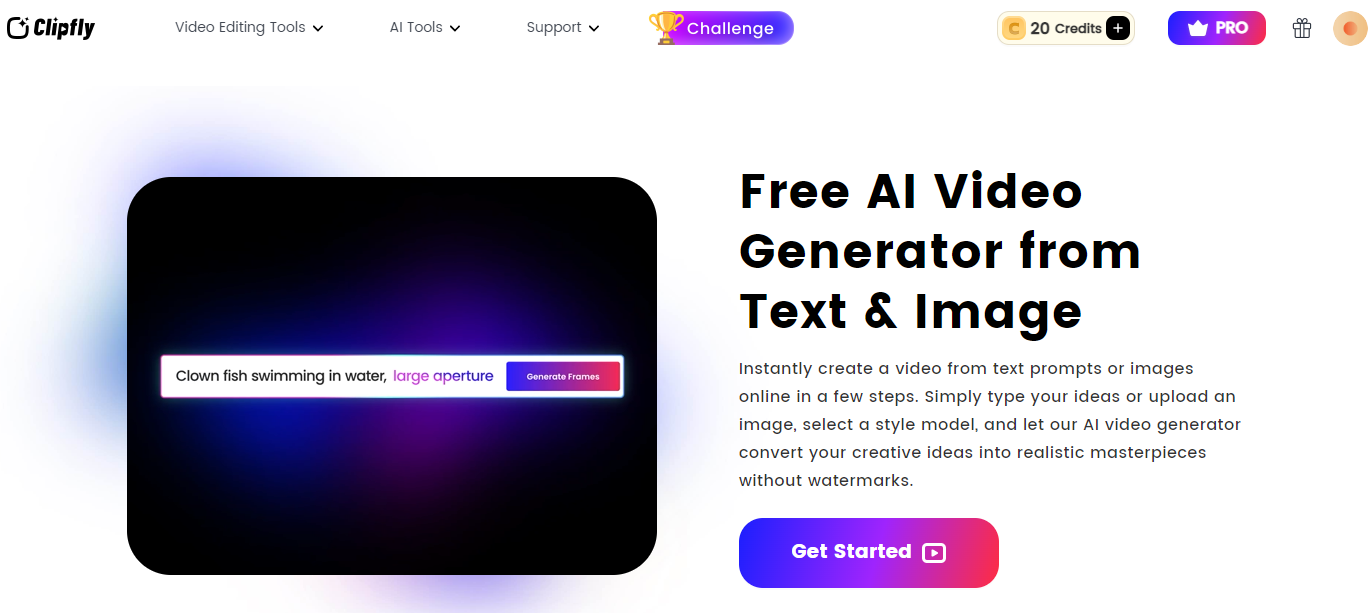
Think about having a tool that can turn your written content into amazing videos within a snap. Clipfly AI Video Generator does exactly that and turns any text into a fabulous video in a few clicks. This revolutionary tool allows the creation of videos to be easy and fast which is right for marketers, educators, and content creators.
Introduction
Clipfly is an advanced artificial intelligence video generation tool that can easily turn simple text into engaging videos. Using the latest AI, Video making is simplified through the tool Clipfly and is not just for the experts but even for users like teachers. The benefits of using AI for video creation are numerous: It is faster, encourages creative ideas, and gives professional results without requiring a high level of IT experience. In this review, we will focus on Clipfly’s characteristics, effectiveness, and usability to extend your knowledge of how this groundbreaking tool can change your video content approach.
Key Features and Functionality
Text-to-Video Creation
Using Clipfly’s AI Video Generator, it is easy to translate text into stunning videos. Just input your text prompts and AI turns your data into the most appealing video clips. In this case, you don’t need any knowledge of video editing to create a brilliant presentation.

Text-to-Video Creation with Clipfly AI Video Generator
Creating videos from the text using the Clipfly AI Video Generator is relatively easy owing to the following steps. Here’s a step-by-step guide to help you:
- Sign Up or Log In: First of all, the subject needs to sign up for the platform of Clipfly or enter it if already registered.
- Select Text-to-Video Feature: Go to the main control panel of the application, and choose a “Text-to-Video” tool to start.
- Enter Your Text Prompt: In the provided text box, enter the script or text prompts that you want to transform into a video. Be clear and concise for the best results.
- Choose a style: Clipfly offers various templates to match the style and tone of your video. Select a style that suits your content.
- Generate the Video: Once you have completed your text and customization processes, click on the green “Generate” tab. After your input has been received and parsed by Clipfly’s AI, the video will be made.
- Review and Edit: After the video is generated, review it to ensure everything looks good. Make any necessary edits or adjustments using Clipfly’s editing tools.
- Customise Your Video: On the video customization options, you can include music, transitions, captions and other features to allow for customization of your video. Change the options to meet the goal you have in mind.
- Export and Share: Finally, export your video in your desired format and resolution. You can now share it on your preferred platforms or save it for future use.
Creating videos has never been easier with Clipfly AI Video Generator, making professional-quality content accessible to everyone.
Customization Options
It is also highly customizable users can change templates, styles, and elements used in creating the platform to suit individual needs. Some of the customizations that can be made include adding music, transitions, subtitles and many more about the appearance of the final compiled video you require for your brand or about your message.
AI-Powered Video Editing
Part of the benefits of using Clipfly, therefore, is that it has AI ones that will help you edit the video without having to spend too much time and energy on it. The software performs such operations as combining clips, creating effects, and making a transition, making high-quality videos with a relatively small amount of interaction from the user, and can be further improved with tools like an AI Video Enhancer.

Stock Footage and Music Selection
Clipfly adds royalty-free stock footage and music, which means the platform offers quite many different elements to improve your videos. It helps you to enable the other elements of good content to make your content stand out without the concern of copyrights.
Ease of Use and User Experience to Clipfly
Video Quality and Performance
Using Clipfly AI Video Generator generates remarkably well-developed videos, particularly concerning resolution, clarity, and artistry. It makes the final output very professional in terms of aesthetics, which can come in handy in as much as a tweet, or a full PowerPoint presentation. The video generation process is notably swift, reducing the time between input and final product.
Limitations and Drawbacks: While Clipfly excels in many areas, it does have some limitations. Complex video projects with intricate editing requirements may not be fully supported, and the range of available templates, though extensive, might not cover niche needs.
Ease of Use and User Experience
It has a simplified user interface for learning, though it is also for provinces, so anyone with any degree of experience in using an online program such as this should not have a problem in figuring out what to do with it. It features an uncomplicated design that allows for a drag-and-drop style and also features intuitive top menus.
Learning Curve and Challenges: There is a minimal learning curve, primarily due to the simplicity of the interface and the availability of tutorials and guides. Users may face challenges when customising advanced features for highly specific projects, but overall, the experience is smooth and efficient.
Personal Experiences and User Feedback:
Users generally praise Clipfly for its ease of use and quick turnaround time in video generation. Feedback highlights the platform’s effectiveness in delivering high-quality videos with minimal effort. Some users note that while the tool is excellent for most projects, very intricate edits might require supplementary software.
Pricing and Value
Free Version:
Clipfly is completely free and it does not watermark the videos that are created using it. However, stock resources in the free version are very limited, and the limit for video quality is 1080p. It’s free up to the production of a few videos, so it is ideal for beginners or for whoever doesn’t mind a few videos in exchange for no costs at all.
Pro Version:
The Pro plan is $69.99 yearly, the original price is $99.99 yearly, and you get 200 credits for a month. Gives access to additional options for the final video, including the possibility of higher resolution (up to 4K), as well as additional options for video editing, and a greater selection of stock material. They also provide extra credit for the already paid Pro users, which lets them create even more videos and unlocks some higher-level options.

Value Proposition:
It needs to be mentioned that, compared with other similar AI video generators, Clipfly has a reasonable price. The Pro version is enhanced to offer much value for the users who require high-quality videos and more features and thus is worthwhile to be invested for the content makers, marketers or business entities.
Additional Considerations
Target Audience
Clipfly AI Video Generator is aimed at users of various categories – marketers, content creators, educators, and business people. It has a simple design and functionality while being packed with features that will assist anyone wanting a high-end video without having to be a professional at it.
Competitor Analysis
In comparison to other similar AI technologies for video generation such as Clipchamp or InVideo, it is significantly easier to use and also takes much less time to generate even complex videos. The competitors’ products have direction features, but Clipfly has a user-friendly design interface and an optimal workflow for the generation of videos.
Technical Aspects
Clipfly leverages advanced AI technology, including deep learning and style transfer, to convert text prompts into dynamic video clips. This technology allows for the creation of high-quality videos with minimal input, making it accessible to users of all skill levels.
Future Outlook
The future of Clipfly is therefore bright in that enhancement such as higher level AI effects, enhanced audio processing options, and more enormous template databases might be made. These improvements will further cement the development of Clipfly as an even more powerful tool in the area of AI video creation.
Conclusion
Clipfly AI Video Generator provides an ideal and lucrative tool for generating informative and attractive videos from plain text. This product easily wins the hearts of content makers, businessmen, and even marketers from around the world due to its simplistic and highly customizable interface with enhanced artificial intelligence facilities. Although it is not the best software for very elaborate video projects, Clipfly has a simple interface that gets the job done quite efficiently and produces high-quality videos allowing for more effective content marketing with the use of quality and engaging videos.
FAQs for Clipfly AI Video Generator
1. Can I use Clipfly to create videos for commercial purposes?
Yes, you can use Clipfly AI Video Generator to create videos for commercial purposes. However, it’s important to review the platform’s terms of service for any specific restrictions or requirements regarding commercial use.
2. How does Clipfly handle copyright issues with stock footage and music?
Clipfly offers free and royalty-free stock footage and music so you won’t have to worry about legal issues after using the video clips in your production. The site has a pool of articles which are legally approved for commercial use.
3. Can I customise the generated videos beyond the basic templates?
Yes, Clipfly has a great deal of flexibility on how it can be used since it lets you adjust and modify templates, styles and even the elements within them. The editing tools enable you to include elements like music, transitions, subtitles and so on depending on your needs.
