


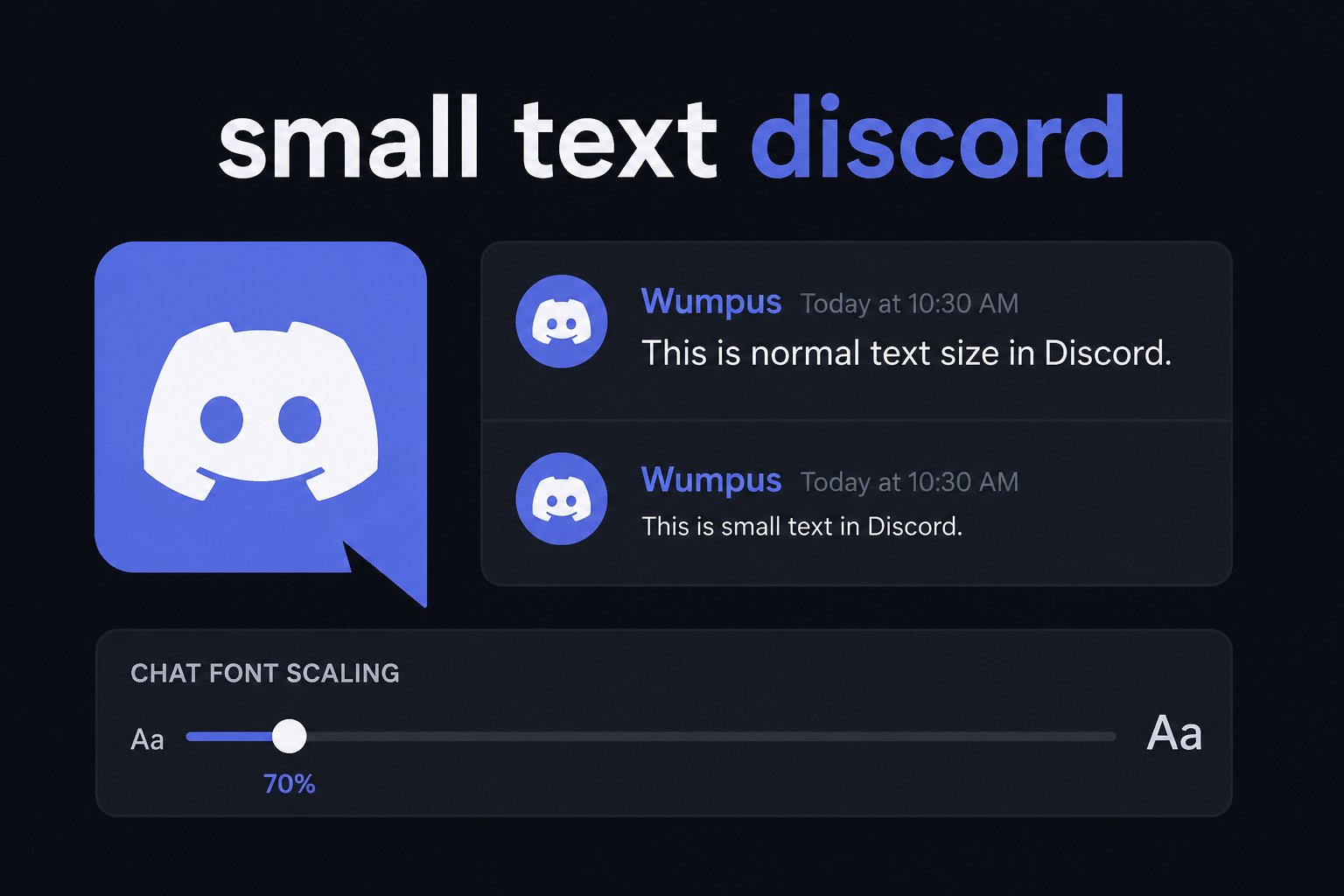
Formatting text on Discord allows messages to stand out, create visual hierarchy, or add personality to a server. Among the various text modifications available, making text tiny is one of the most popular styling choices. Whether the goal is adding side notes, subtle jokes, stylized usernames, or clean channel descriptions, smaller fonts serve a distinct purpose.
This guide details every method available to make text smaller on Discord across desktop, web, and mobile platforms.
Understanding Discord Text Formatting
Discord processes text using Markdown along with Unicode rendering. Standard Markdown handles built-in chat formatting like bolding, italics, headers, and subtext. Unicode, on the other hand, allows users to paste visually altered characters—including superscript, subscript, and small caps—that work in areas where Markdown is restricted, such as usernames and channel names.
Method 1: Built-in Markdown for Subtext
Discord includes native support for subtext formatting directly in the chat box. This is the cleanest, official way to shrink text inside text channels.
How to Use the Subtext Header
To create small text natively, place -# (a hyphen followed by a hashtag and a space) at the beginning of a line.
- Syntax:
-# Your text here - Result: The text appears in a smaller, muted gray font directly inside the chat window.
Important Markdown Rules:
- There must be a space between the hashtag and the text.
- The formatting applies to the entire line of text.
- You can combine subtext with other Markdown tags like bold (
-# **bold small text**) or italics (-# *italic small text*).
Method 2: Small Text Generators (Unicode)
Native Markdown (-#) only works inside chat messages. It does not work in server names, user bios, channel titles, or custom statuses. To use tiny text in those places, Unicode character conversion is required.
Unicode small text generators convert standard Latin letters into superscript or subscript Unicode symbols that naturally sit smaller on the screen.
Types of Unicode Small Text
| Style Name | Text Example | Best Used For |
| Superscript | ˢᵐᵃˡˡ ᵗᵉˣᵗ | Usernames, custom statuses, subtly adding side remarks |
| Subscript | ₛₘₐₗₗ ₜₑₓₜ | Science/math notes, subtle footer signatures |
| Small Caps | sᴍᴀʟʟ ᴛᴇxᴛ | Channel categories, elegant bios, structured lists |
How to Apply Unicode Text:
- Visit a font generator tool (such as LingoJam or YayText).
- Type the desired message into the standard text box.
- Copy the generated superscript or small caps output.
- Paste the converted text directly into Discord channels, statuses, or profile bios.
Comparing Small Text Methods
Choosing the right approach depends entirely on where the text will be displayed.
| Feature / Location | Native Markdown (-#) | Unicode Superscript | Unicode Small Caps |
| Chat Messages | Yes (Clean & Muted) | Yes | Yes |
| User Bios & About Me | No | Yes | Yes |
| Usernames / Nicknames | No | Yes | Yes |
| Channel Names | No | Yes | Yes |
| Custom Statuses | No | Yes | Yes |
| Screen Reader Accessible | Yes | Limited | Limited |
Method 3: Code Blocks for Custom Formatting
Code blocks do not shrink font height directly, but multiline code blocks change the font family to a compact, monospace typeface (Consolas/Courier). This reduces the horizontal footprint of long messages, giving them a structured, compact look.
Syntax Options:
- Single-line code: Wrap text in single backticks (
`small text`). - Multi-line block: Wrap text in triple backticks ( ).
Where to Use Small Text for Maximum Impact
- Server Rules & Footers: Use native subtext (
-#) at the bottom of long announcements to include disclaimers or timestamps without clogging the main chat visually. - Aesthetic Channel Names: Use Unicode Small Caps to organize channel categories (e.g.,
💬 ᴄʜᴀᴛ-ʀᴏᴏᴍS) for a sleek server layout. - Role Descriptions: Add subscript or small caps in role lists to keep server sidebars organized.
- Profile Bios: Use tiny text to fit more information into tight character limits in your profile summary.
Troubleshooting and Limitations
- Accessibility: Unicode fonts (superscript/subscript) are often unreadable by screen readers used by visually impaired individuals. Avoid using Unicode for critical server information or important guidelines.
- Mobile Differences: Native subtext (
-#) renders slightly differently depending on screen density and operating system scaling, though it remains distinctly smaller than standard chat text. - Unsupported Characters: Some obscure Unicode tiny letters do not exist in standard character sets (for instance, certain superscript letters are missing in base Unicode). Generators usually replace missing letters with standard characters or symbols.
