


Online courses often use video and audio to explain complex topics. When an organization localizes a course for international learners, one important decision is whether to use voiceover, subtitles, or both.
The right option depends on your audience, budget, course format, and learning goals. Professional elearning translation services help organizations adapt video and audio content for learners in different languages.
Providers such as Ulatus also support multilingual translation and localization projects for organizations working across international markets.
What Is Voiceover Localization?
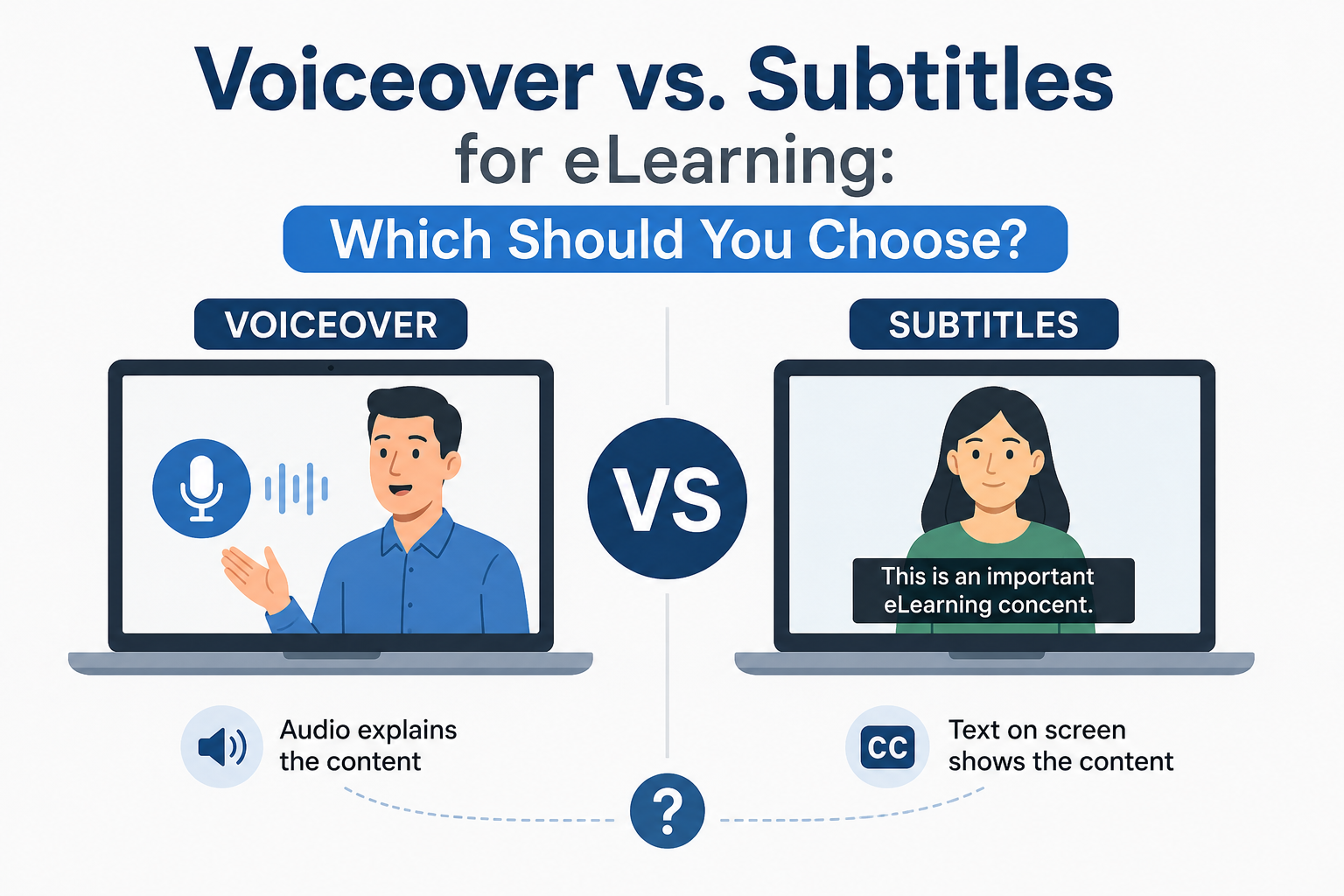
Voiceover localization replaces or records spoken content in the target language.
A localized voiceover might be used for:
• Training videos.
• Course introductions.
• Tutorials.
• Product demonstrations.
• Educational lessons.
• Compliance training.
Learners hear the content in their preferred language while watching the video.
What Are Subtitles?
Subtitles display translated dialogue as text on the screen.
They are often used for:
• Video lessons.
• Recorded lectures.
• Training demonstrations.
• Webinars.
• Educational content.
Subtitles allow learners to read the translated content while watching the original video.
Professional elearning translation services can support both subtitle translation and voiceover localization.
Benefits of Voiceover
Voiceover creates a more natural learning experience for many learners.
Benefits include:
• Learners hear content in their preferred language.
• The presentation feels more localized.
• Learners can focus on visuals.
• Spoken explanations feel more natural.
Voiceover is often useful when the speaker’s delivery is an important part of the lesson.
Limitations of Voiceover
Voiceover requires more production work.
You might need:
• Professional voice talent.
• Recording.
• Audio editing.
• Synchronization.
• Quality checks.
The cost can also be higher than subtitle translation.
If your course contains frequent updates, replacing voiceover might require additional production work.
Benefits of Subtitles
Subtitles are often easier to produce and update.
Benefits include:
• Lower production costs.
• Faster localization.
• Easier content updates.
• Support for multiple languages.
• Access to written content.
Subtitles also help learners who prefer reading while listening.
Limitations of Subtitles
Subtitles require learners to divide their attention between the video and the text.
This might be difficult when the video contains:
• Complex demonstrations.
• Detailed graphics.
• Technical procedures.
• Fast visual changes.
The amount of text on screen should also be controlled to maintain readability.
Consider Your Audience
Your target audience should influence your decision.
Ask:
• Who are the learners?
• What is their preferred language?
• What is their reading ability?
• Do they have accessibility needs?
• What type of course are they taking?
For technical or complex training, voiceover might provide a smoother experience.
For simple instructional videos, subtitles might be enough.
Professional elearning translation services can help organizations evaluate the right approach.
Consider the Course Content
Different course types require different solutions.
Voiceover might work well for:
• Lectures.
• Presentations.
• Story based lessons.
• Demonstrations.
Subtitles might work well for:
• Short videos.
• Simple tutorials.
• Product explanations.
• Recorded webinars.
The content format should guide the decision.
Consider Your Budget
Budget is another important factor.
Voiceover might involve:
• Translation.
• Voice talent.
• Studio recording.
• Audio editing.
• Synchronization.
Subtitles usually require:
• Translation.
• Timing.
• Formatting.
• Quality review.
If your organization has a large number of courses, subtitles might offer a more cost effective approach.
Consider Future Updates
Training content often changes.
New information might require updates to:
• Scripts.
• Voiceover.
• Subtitles.
• On screen text.
Subtitles are often easier to update because only the affected text needs revision.
Voiceover updates might require additional recording.
Think About Accessibility
Accessibility should also influence your decision.
Subtitles and captions help learners who have difficulty hearing audio.
Voiceover helps learners who have difficulty reading large amounts of text.
Providing both options might create a more inclusive learning experience.
Review the accessibility requirements that apply to your organization and target audience.
Use Both When Appropriate
Some courses benefit from using both voiceover and subtitles.
This approach allows learners to:
• Hear the localized content.
• Read the translated text.
• Follow complex explanations.
• Review important information.
Providing both options might require additional investment but can improve accessibility and flexibility.
Working With Ulatus
Organizations looking for multilingual eLearning support might consider Ulatus.
When evaluating Ulatus, ask about:
• eLearning translation.
• Voiceover localization.
• Subtitle translation.
• Captioning.
• Multimedia localization.
• Quality assurance.
A suitable provider should understand both linguistic and technical requirements.
Test the Localized Video
Before publishing, test the final content.
Check:
• Voiceover timing.
• Subtitle synchronization.
• Text readability.
• Audio quality.
• On screen text.
• Video controls.
• Course functionality.
Review the content on the devices used by your learners.
Make the Final Decision
Use these questions to choose between voiceover and subtitles:
- What is your target audience?
- What type of course are you creating?
- What is your budget?
- How often will the content change?
- What accessibility needs should you support?
- How important is spoken delivery?
The answers will help you select the right approach.
Voiceover and subtitles both have advantages for eLearning localization. Voiceover provides a more immersive experience, while subtitles often offer lower costs and easier updates.
Professional elearning translation services help organizations adapt video and audio content for international learners. Providers such as Ulatus might also support voiceover, subtitle translation, and broader localization requirements.
For simple courses with frequent updates, subtitles might be a practical option. For detailed training where spoken explanations are important, voiceover might provide a better experience. Some organizations benefit from offering both options to support different learner needs.
